
Build the training your business actually needs
The in-house module builder creates page-flowed training right on the platform — slides, video, real-world scenarios, quizzes, policy acknowledgements and PDF documents — and every completion lands in the same immutable register as a Zoib-built module.
Included with every training subscription — no extra cost
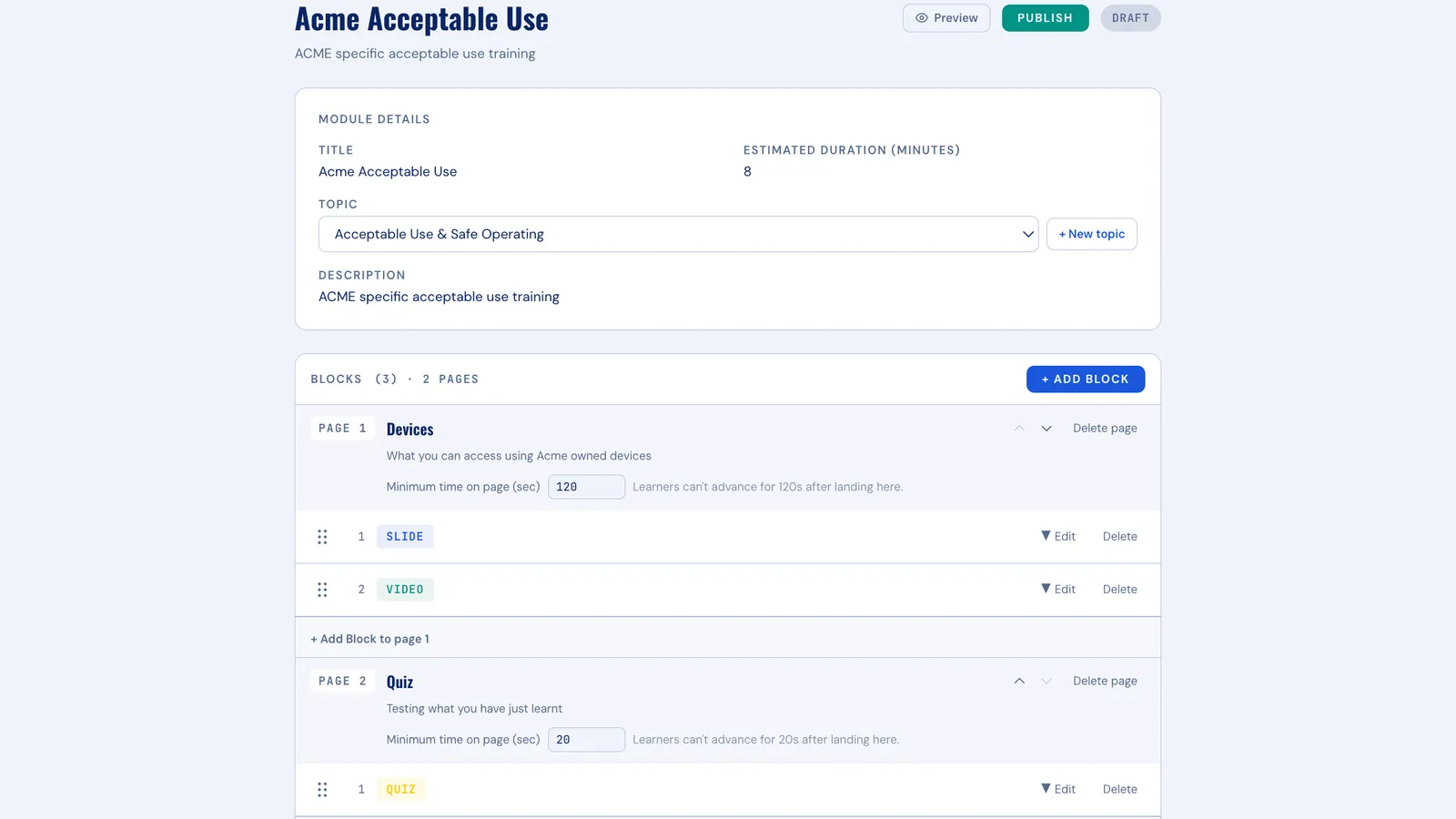
Six block types, built into any page
Every page of a module is composed from these blocks — add any of them to any page. Staff step through the pages in the order you set, nothing skipped, everything recorded.
- Slides
Slides
Present your material as clean, ordered slides — written and arranged in the platform, no design tools required.
- Video
Video
Play video hosted elsewhere — YouTube or wherever your content lives — right inside the module's flow.
- Scenarios
Real-world scenarios
Put staff inside a situation and ask what they'd do — the same scenario format Zoib's own modules use.
- Quizzes
Quizzes
Test understanding with quizzes, scored against a pass mark you choose for the module.
- Policy
Policy acknowledgements
Present a company policy and capture each person's formal acknowledgement as evidence in the register.
- PDF
PDF documents
Present handbooks, procedures or safety documents as PDFs read directly on the platform.
From blank page to assigned module
-
Create the module
Name it, describe it, and open the page editor — it lives alongside the ready-made catalogue.
-
Add your pages
Build each page from blocks — slides, video, scenarios, quizzes, policy acknowledgements and PDF documents — in whatever order suits the material.
-
Set your pass mark
You decide the score that counts as competent for this module — it's your standard, applied automatically.
-
Assign it like any other module
Assign to people or groups exactly as you would a Zoib module — auto-assignment, reminders and refreshers included.
Your modules are first-class citizens
Everything you build behaves exactly like a Zoib-built module. Assignment, automatic reminders, annual refreshers and dashboard tracking all work the same — there is no second-tier experience for your own content.
Completions land as the same immutable, timestamped records in the same register, and export in the same one-click evidence packs — PDF, CSV or ZIP. When an auditor asks who acknowledged a policy or passed your induction, the answer is a download.
- Same immutable, timestamped completion records
- Same register, same one-click evidence exports
- Same dashboards, reminders and refresher scheduling
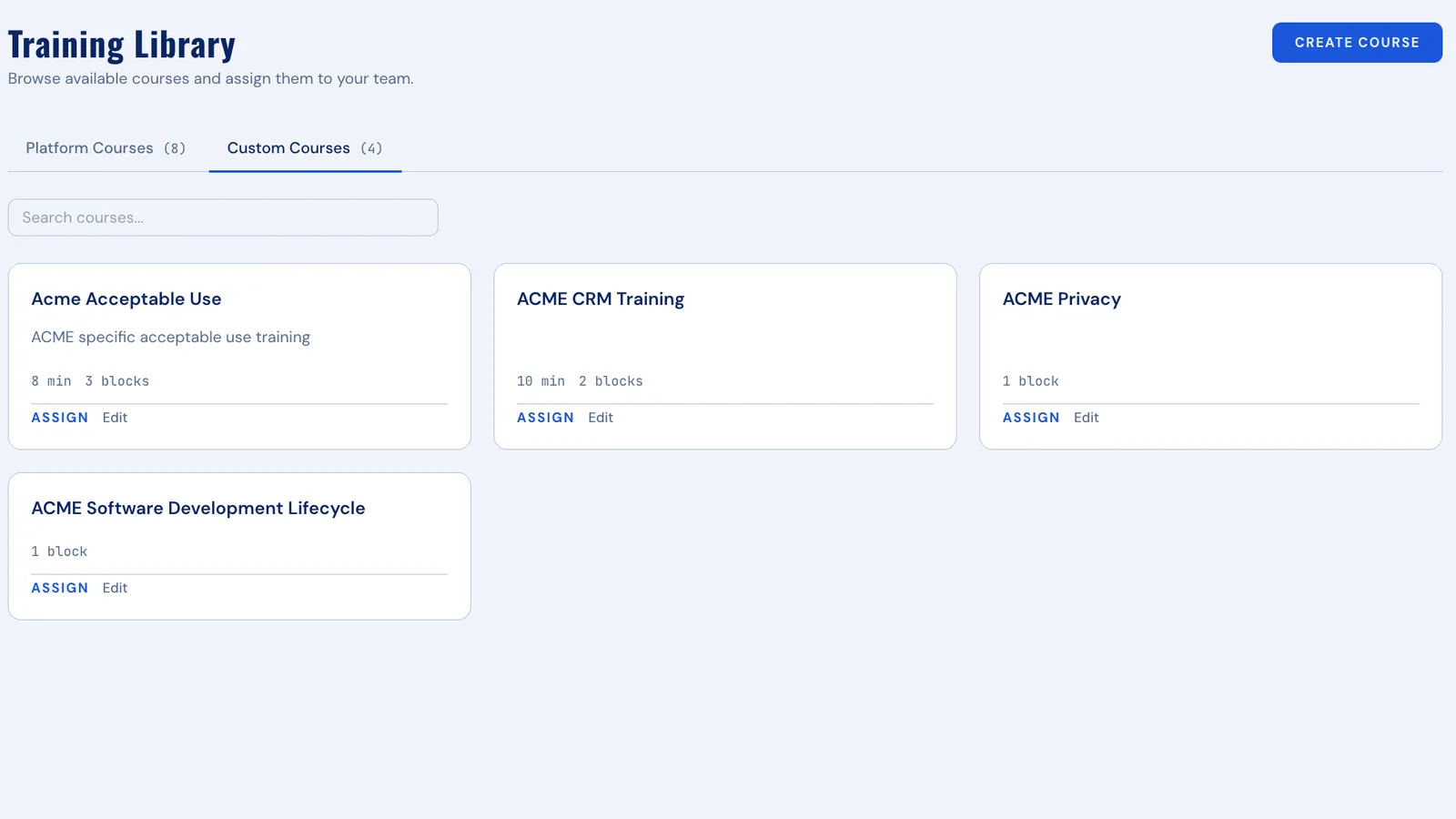
Already in your subscription
The module builder comes with every training tier — build your first module inside the free trial and see it land in the register.
7-day free trial · Included at every tier